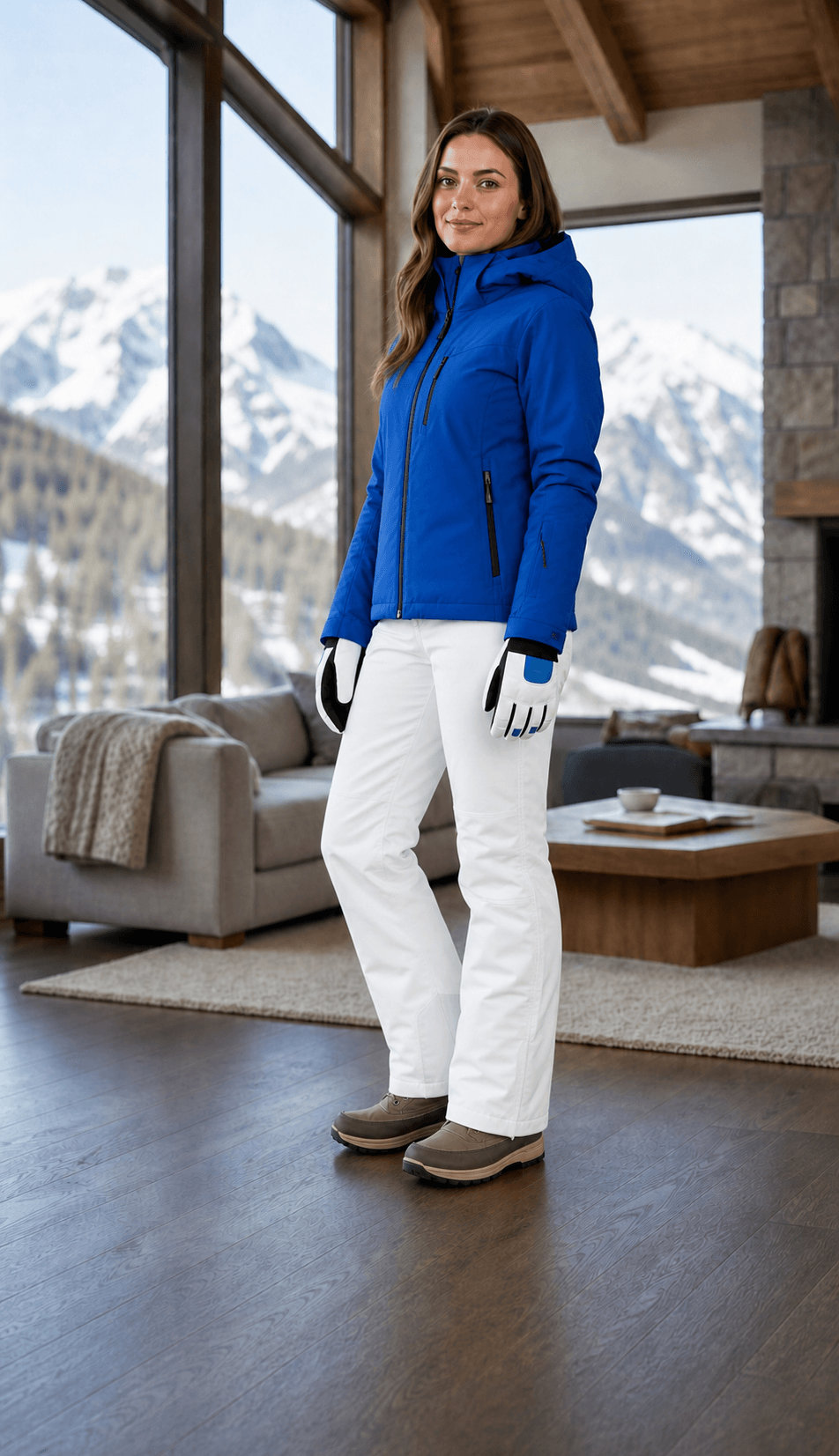
Use AI Clothes Changer to edit an outfit realistically while preserving the person and scene.
10 welcome credits No editing skills Use images with permission
AI clothes studio
Create a new look with our AI outfit editor
Use two clear images, then guide the fit and styling in your own words.
Images processed for your edit
Input imagesPerson and outfit are required. Add detail references if needed.
2 / 10
2 input images · 3:4 · medium quality · 1K PNG
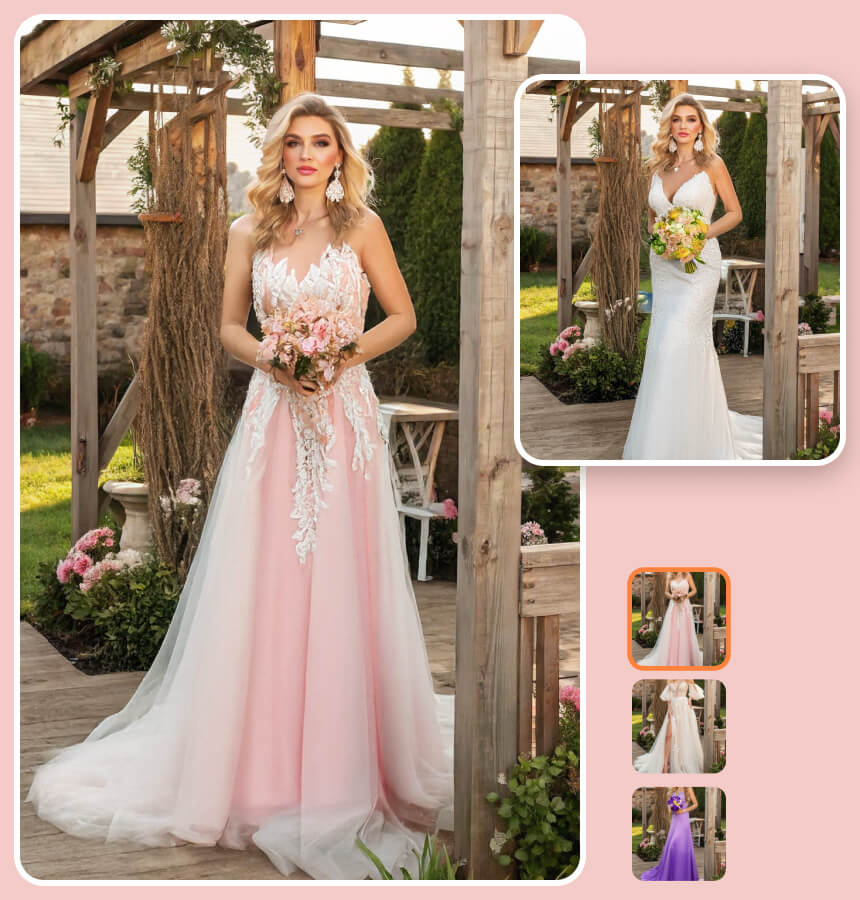
Interactive virtual try-on example
A smarter virtual wardrobe
What is AI Clothes Changer?
AI Clothes Changer—also offered through an AI Outfit Changer, AI Clothing Changer, or clothing swap tool—changes clothing in photos online. Upload one image of a person and one image of the clothes you want them to wear, and the AI creates a new picture of the same person in that outfit.
AI Clothes Changer, also called AI Outfit Swap or AI Clothes Swap, updates the outfit while keeping the person, pose, lighting, and scene recognizable.
Keep the person recognizable
Preserve the pose, proportions, expression, and identity.
Explore before buying
Compare colors, silhouettes, and dress codes first.
Turn ideas into images
Share a clear visual direction with friends, clients, or stylists.
How AI Clothes Changer Works
Upload a person photo and clothing reference, then generate, review, and refine your new outfit in three steps. This photo clothes editor lets you change clothes in a photo and change outfits online while AI Clothes Changer keeps the person and scene recognizable.
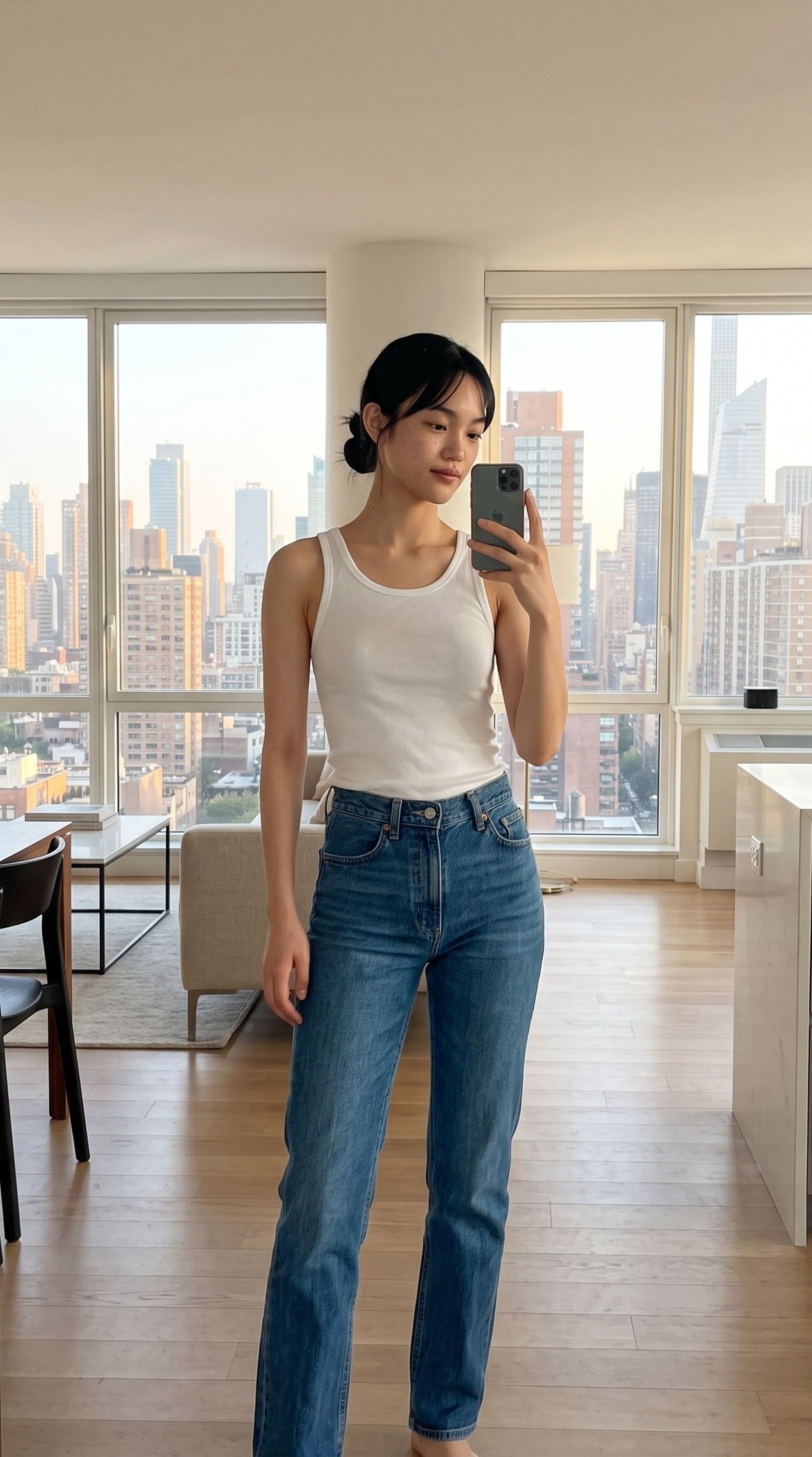
Input 1Person photo
+
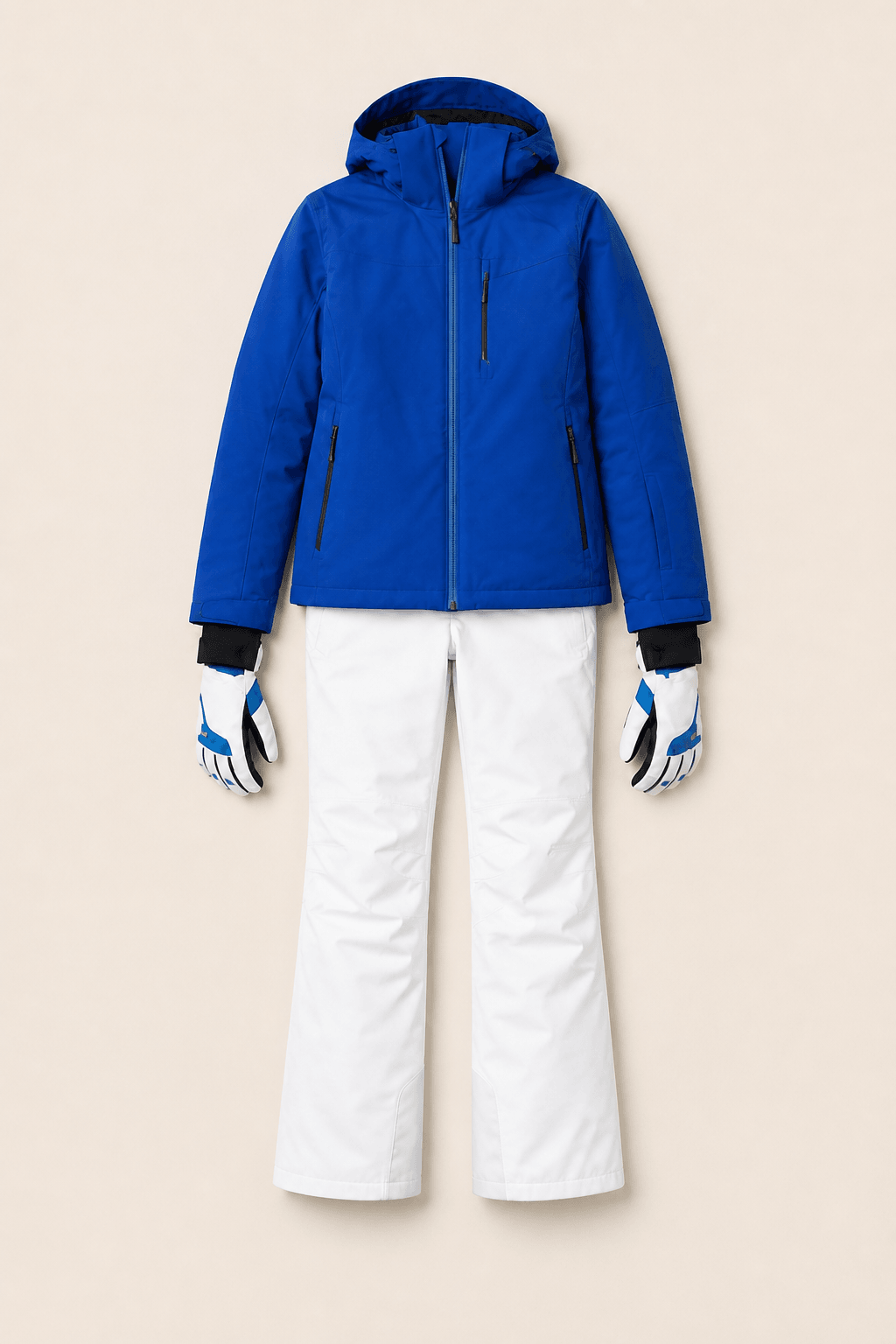
Input 2Outfit image
→
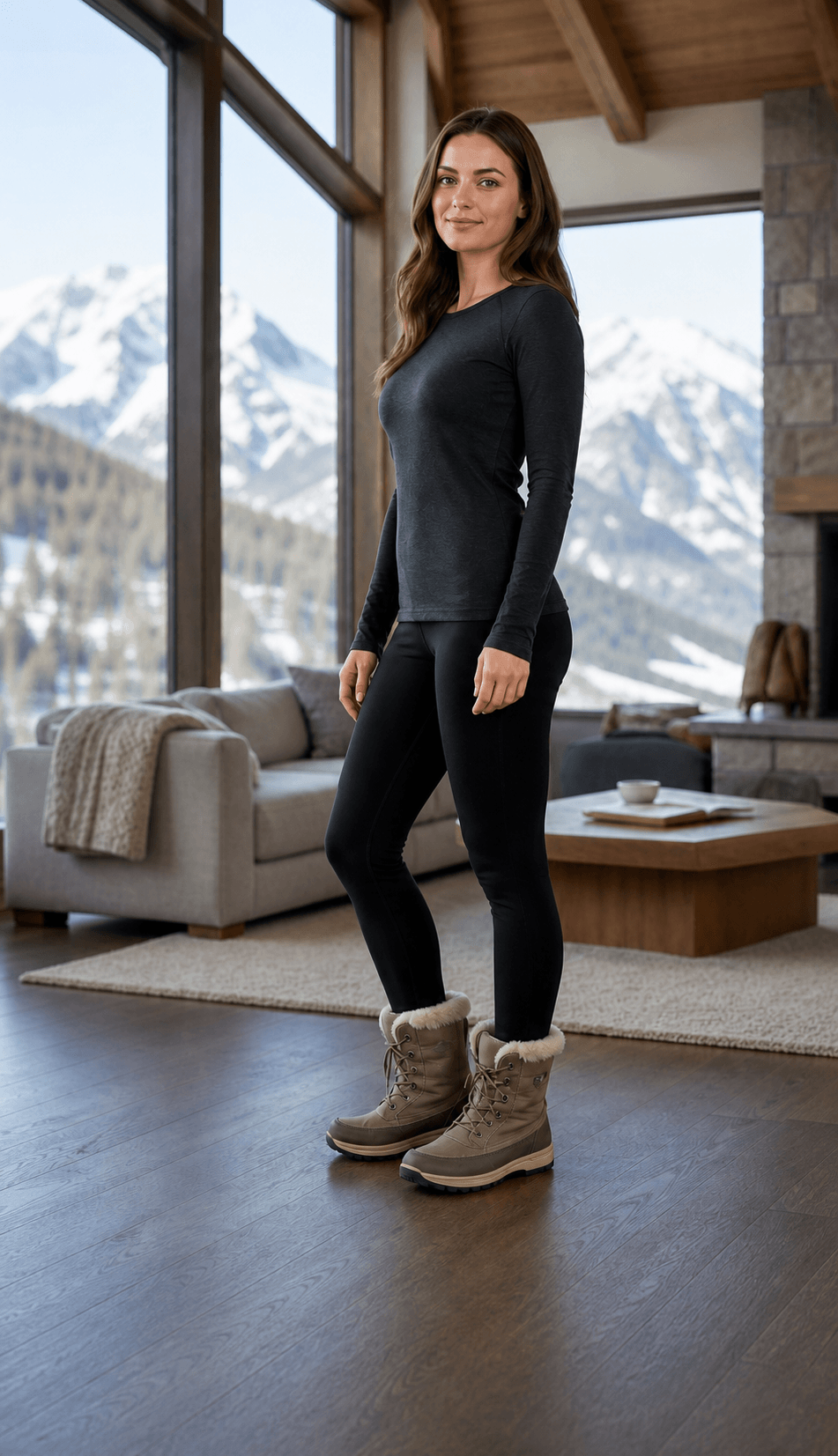
AI outputNew outfit result
Person photo + clothing reference → AI outfit resultThe clothing changes; the person and scene remain recognizable.
AI Outfit Changer · STEP 01 / PERSON
Upload a person photo
Choose a clear, well-lit full-body or three-quarter photo. A simple background and visible clothing area help preserve the person's face, body, pose, camera angle, and lighting.
AI Outfit Changer · STEP 02 / CLOTHING
Add a clothing reference and optional direction
Upload a clear product photo or outfit reference, then describe details such as fit, layering, material, or accessories only when the images do not show them.
AI Outfit Changer · STEP 03 / RESULT
Generate, review, and refine
AI Clothes Changer creates the new outfit preview. Review the garment, person, and scene, then make small prompt changes until the result matches your styling direction.
AI Clothes Changer ideas for work, travel, events, and content
AI Clothes Changer turns a person photo and clothing reference into a personalized virtual outfit preview. Each AI Clothes Changer preview can help people virtual try on clothes, communicate an idea, compare styling directions, or decide what to explore next.
Develop visual directions for social posts, mood boards, campaigns, lookbooks, thumbnails, and early-stage creative presentations.
Why use AI Clothes Changer?
Use an online outfit changer to preview a look, plan an occasion, or turn a styling idea into a clear visual reference.
Preview everyday outfits
Compare a clothing reference with your photo before choosing a silhouette, color, or styling direction.
Prepare event looks
Create a quick visual reference for work, travel, weddings, and other important occasions.
Create visual directions
Turn outfit ideas into a clear reference for content, mood boards, or team feedback.
Simple one-time credits
Choose credits for AI Clothes Changer
AI Clothes Changer starts with 10 welcome credits, enough for two standard 2K edits. When you are ready to create more outfit variations, choose a one-time pack with no subscription and credits that never expire.
AI Outfit Changer · 01 · Start with a specific direction
“Replace the current top with a relaxed cream linen blazer over a simple white shirt.”
Name the garment first, then add the fit, material, color, and occasion. Finish by stating which parts of the person and photo should remain unchanged.
AI Outfit Changer · 02 · Shape and fabric
Describe how the clothing should feel
Use visible terms such as tailored, oversized, cropped, structured, draped, linen, wool, satin, or denim to define the silhouette and surface.
AI Outfit Changer · 03 · Context and mood
Give the outfit a reason and setting
Add a business meeting, weekend, vacation, formal dinner, or campaign context when it helps guide layering, accessories, and visual tone.
Better inputs, better previews
Tips for more realistic clothing changes
AI Clothes Changer works best when the clothing is visible and the person is not heavily obscured. If you want to swap clothes in photos, avoid strong motion blur, crossed objects, extremely low light, and tightly cropped garments. A neutral pose is not required, but clear boundaries give the AI fashion editor more useful information.
Use a sharp image with natural, even lighting.
Keep hands, bags, and large objects from covering the main garment when possible.
Ask for one coherent outfit direction before making small refinements.
Mention that facial features, pose, background, and lighting should stay consistent.
Review details such as hands, edges, closures, patterns, and accessories before sharing.
Frequently asked questions
Questions about changing clothes with AI
Learn about free credits, photo requirements, clothing references, realistic results, virtual try-on limits, and data handling.
AI Clothes Changer: What is AI Clothes Changer?+
For AI Clothes Changer, AI Clothes Changer is an online image-editing process that replaces or restyles clothing in a photo. Also supported by an AI Outfit Changer, it uses the source image and your written direction to create a new fashion look while aiming to preserve the person, pose, lighting, and scene.
AI Clothes Changer: Is AI Clothes Changer free to try?+
For AI Clothes Changer, Yes. New accounts currently receive 10 welcome credits, enough for two standard 2K generations under the current credit model. The pricing page shows the latest generation costs and available one-time credit packs.
AI Clothes Changer: Do I need fashion or editing experience?+
For AI Clothes Changer, No. The workflow is designed for regular users. Upload a suitable person photo and clothing reference, then add any extra direction in plain English. The built-in prompt handles the core garment-transfer instructions for you.
AI Clothes Changer: What kind of photos should I upload?+
For AI Clothes Changer, Use a sharp, well-lit person photo plus a clear image of the clothing. JPG, PNG, and WebP are supported. Full-body or three-quarter portraits and unobstructed product images give the editor useful information about the body, garment shape, texture, and details.
AI Clothes Changer: Can I upload a clothing image from an online store?+
For AI Clothes Changer, A clear product image or outfit screenshot can work as a clothing reference. Make sure the garment is visible and that you have permission to process the image. Generated results are visual interpretations rather than exact product replicas.
AI Clothes Changer: Can I change only one clothing item?+
For AI Clothes Changer, Yes. Ask for a focused edit such as changing a jacket, shirt, dress, pair of pants, or color. State which clothes and photo details should remain unchanged so the request has a clear boundary.
AI Clothes Changer: Is this virtual try-on accurate for size and fit?+
For AI Clothes Changer, No. The result is a virtual outfit preview for style exploration, not a measurement or fitting tool. It cannot confirm real-world size, comfort, material quality, availability, or how a garment moves.
AI Clothes Changer: Can I use generated images commercially?+
For AI Clothes Changer, Usage rights can depend on the image model, your source material, and the intended context. Make sure you have permission to use the uploaded photo and review the applicable terms before commercial publication or advertising.
Your next look starts here
Try AI Clothes Changer on your next photo
Upload your photo and a clothing reference, then use AI to explore a new visual direction in a few simple steps.