
Keep the shirt reference central
Show the collar, sleeve length, buttons, pocket, color, weave, and hem you mean instead of relying only on a broad style phrase.
Change a shirt in a photo with AI by combining your portrait with a clear clothing reference. Preview T-shirts, button-downs, polos, blouses, and casual tops while keeping the original person and scene recognizable.
An AI shirt changer replaces the visible top in a person photo with a new shirt direction. You provide a portrait, a shirt reference or description, and preservation instructions. The model creates a separate image that combines the garment with the original pose, light, and background.
Use this focused workflow to ask how a button-down, blouse, polo, or T-shirt might look in an existing portrait. Unlike a broad outfit generator, the lower garments and scene can remain unchanged. A reference is useful when collar shape, sleeves, pockets, pattern, or fabric matters.
Upload one clear portrait and one shirt reference, then guide the edit with the details you want to preserve. This focused sequence keeps every input and review point easy to understand.
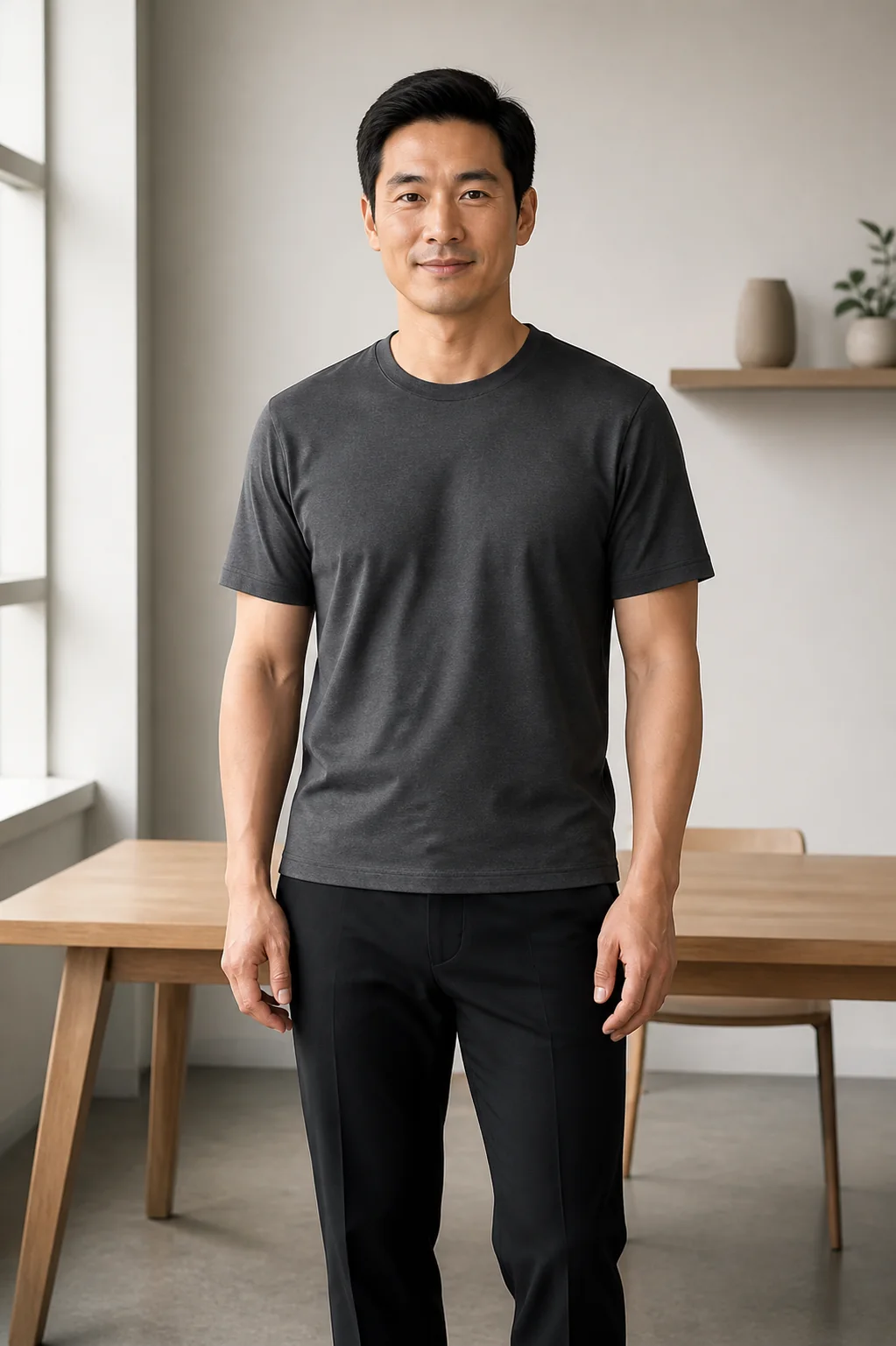
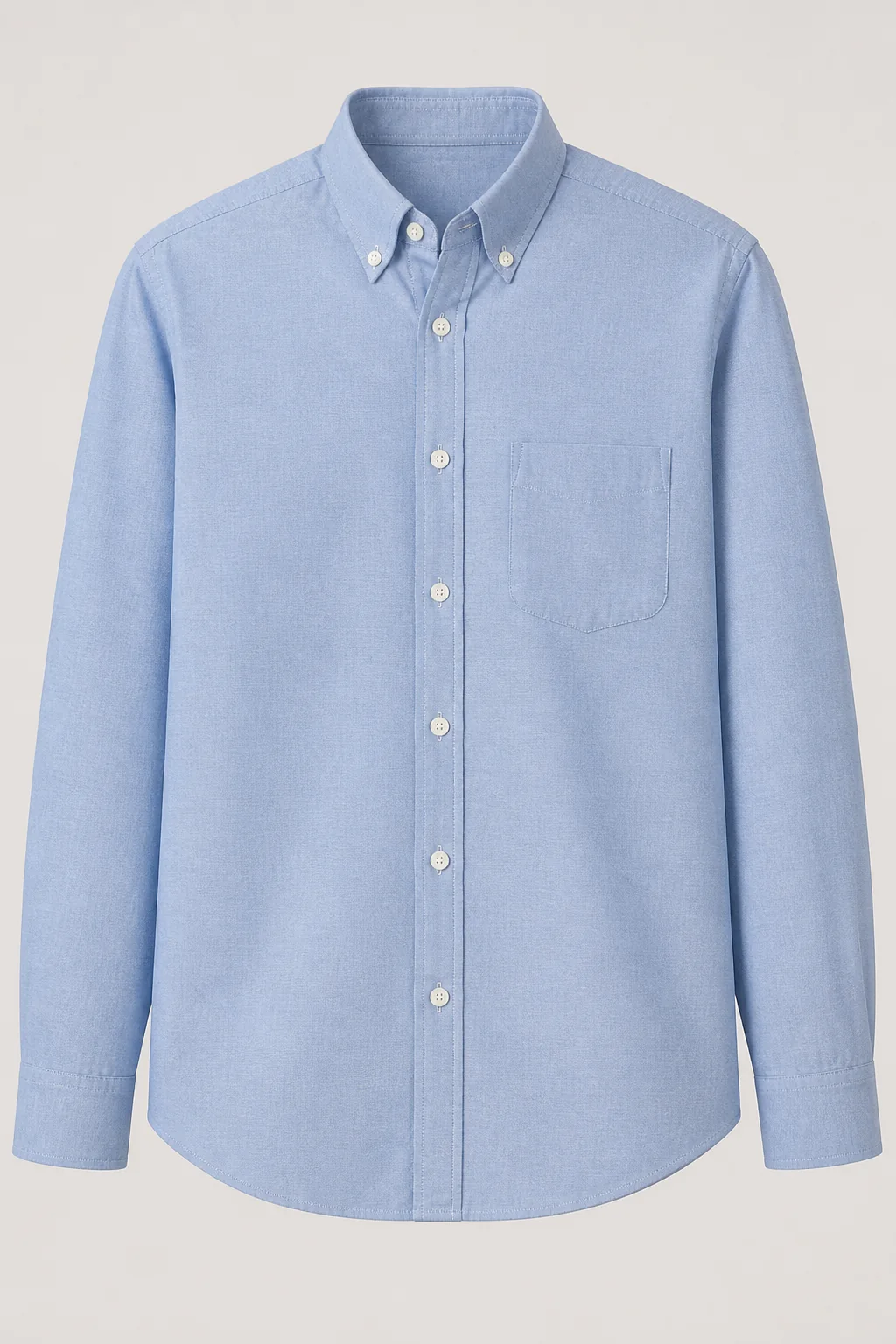
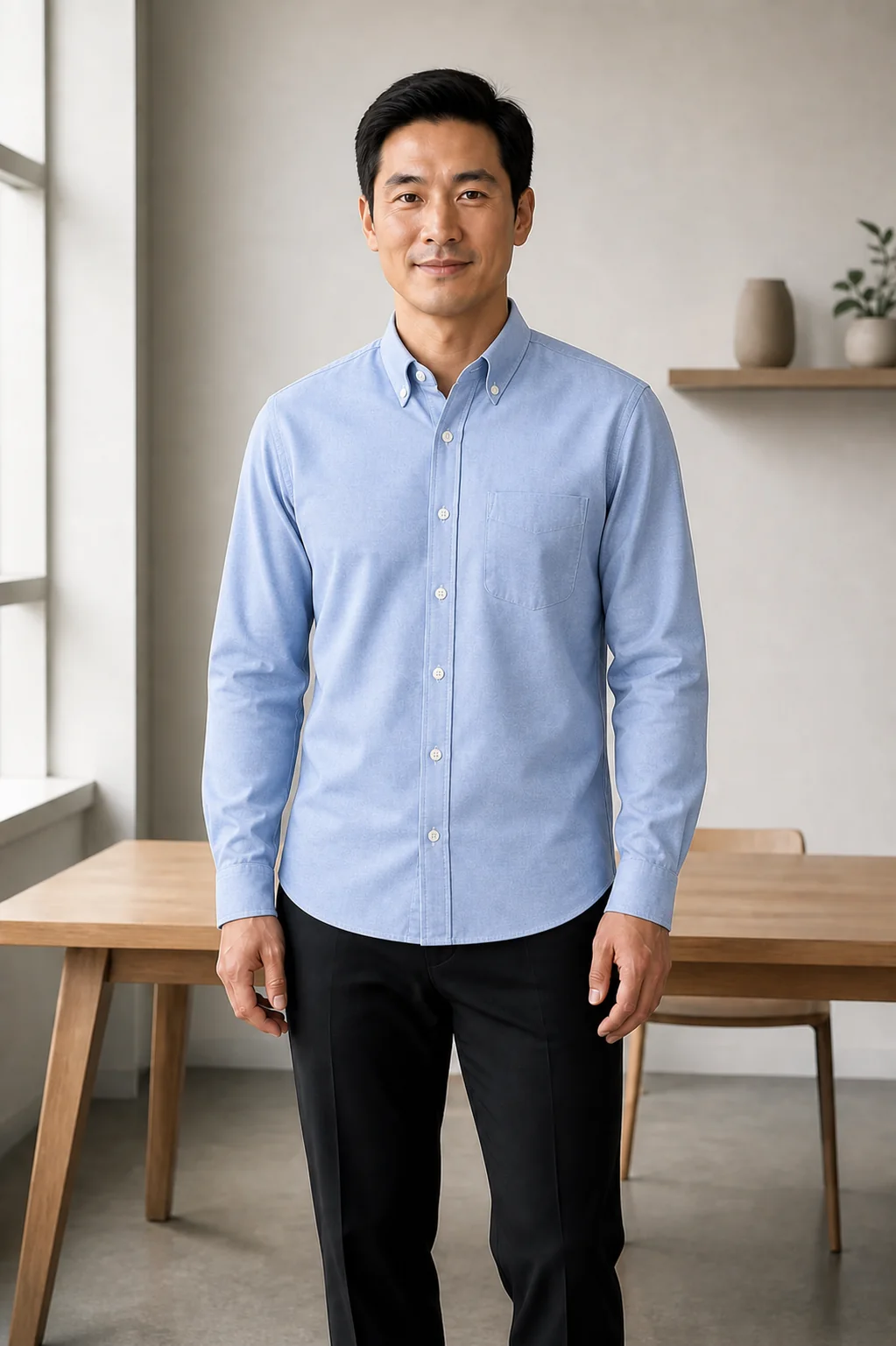
Show the collar, sleeve length, buttons, pocket, color, weave, and hem you mean instead of relying only on a broad style phrase.
Ask to replace only the top while preserving the face, hair, expression, hands, trousers, pose, camera angle, lighting, and background.
Inspect the neckline, collar points, sleeve overlap, cuffs, placket, buttons, pocket, patterns, hands, shadows, and garment edges at full size.
The current homepage formalwear example shows how shirt color, collar structure, lapels, and suit contrast work together while the adult subject and portrait framing stay recognizable.
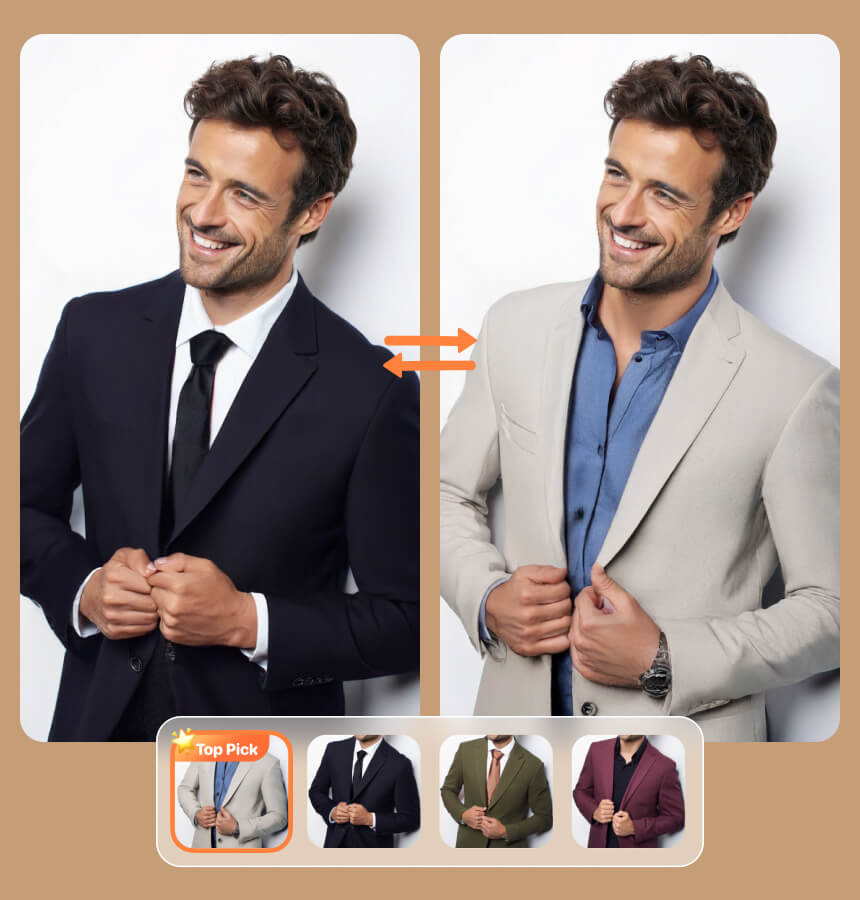
Change only the visible shirt and coordinated tailoring direction. Preserve the same adult person, face, hair, expression, pose, crop, background, camera angle, and original lighting.
Choose a front-facing or three-quarter portrait where the top, shoulders, arms, and waist are visible. Even daylight and a simple background help separate the shirt from hair, jackets, bags, and furniture.
Upload a permitted product image or wardrobe photo. A front view should clearly show the collar, sleeves, buttons, pockets, hem, color, pattern, and fabric texture.
Ask the AI shirt changer to replace only the top while preserving the person and scene. Inspect the neckline and sleeve edges, then refine one detail such as fit, color, or tucked styling.
Keep the source photo stable and change one upper-garment decision at a time so every result remains easy to inspect and compare.
Replace a casual tee with a button-down, blouse, or polo for a profile, presentation, or team portrait. Treat the result as a visual draft, not proof of an employer, uniform, or qualification.
Keep the same source image and test light blue, white, black, cream, or another color one at a time. A stable pose, crop, and background make each difference easier to compare.
Try a T-shirt, linen shirt, knit top, polo, or blouse before planning a photoshoot. Use a reference when garment structure matters and a short prompt for a broad direction.
The result is not a physical fitting. It cannot measure the person, select a size, test comfort, or predict real fabric behavior. Check the retailer's measurements, materials, availability, and returns before buying.
Logos, stripes, seams, buttons, pockets, cuffs, exact color, and hidden construction may change. Review the full-size image, and never use an altered shirt to imply a uniform, employer, credential, or endorsement that is not real.
Answers about replacing only a shirt, using clothing references, changing colors, preserving identity, and understanding the limits of virtual fitting.
Yes. Ask the model to replace only the top and preserve the face, pose, hands, lower garments, background, camera angle, and lighting. Review any areas where hair or arms overlap the shirt.
Yes, if you have permission to use the image. A clear front-facing photo with a visible collar, sleeves, hem, pattern, and fabric gives the AI better information.
Yes. Describe the collar, sleeve length, fit, color, fabric, buttons, and tucked styling. Check the neckline, cuffs, placket, and hands for artifacts.
The prompt can prioritize identity, but generated images may still alter facial details, hair, hands, or body contours. Compare the output with the original before publishing it.
Upload a clear portrait and one shirt reference, describe the details that matter, and generate a focused upper-body clothing preview.